Get the app
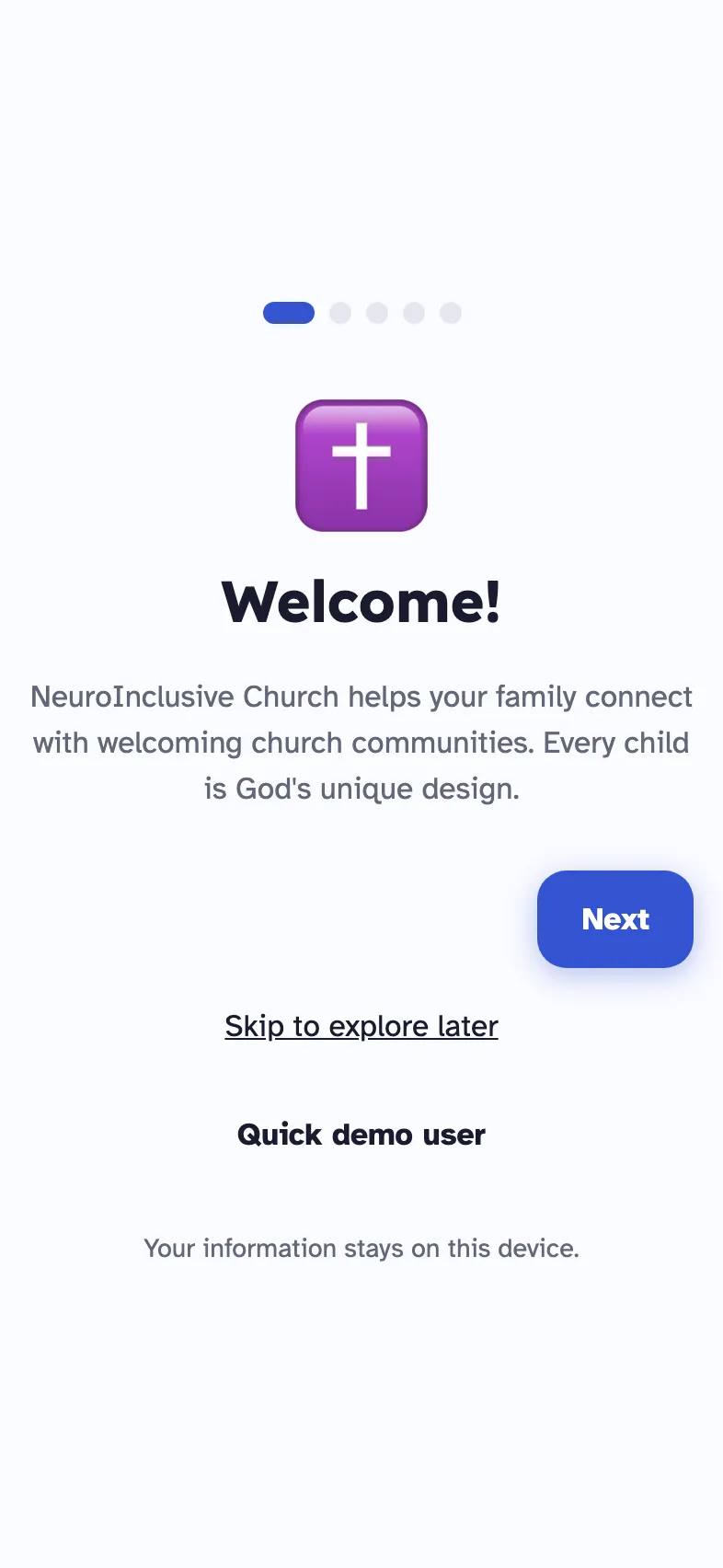
It takes about a minute. You do not need an account, and what you enter stays on your device.
Three steps
Download it.
Use the button for your device at the top of this page.
Open it. No sign-up.
Tap “Skip to explore later” on the first screen to go straight in.
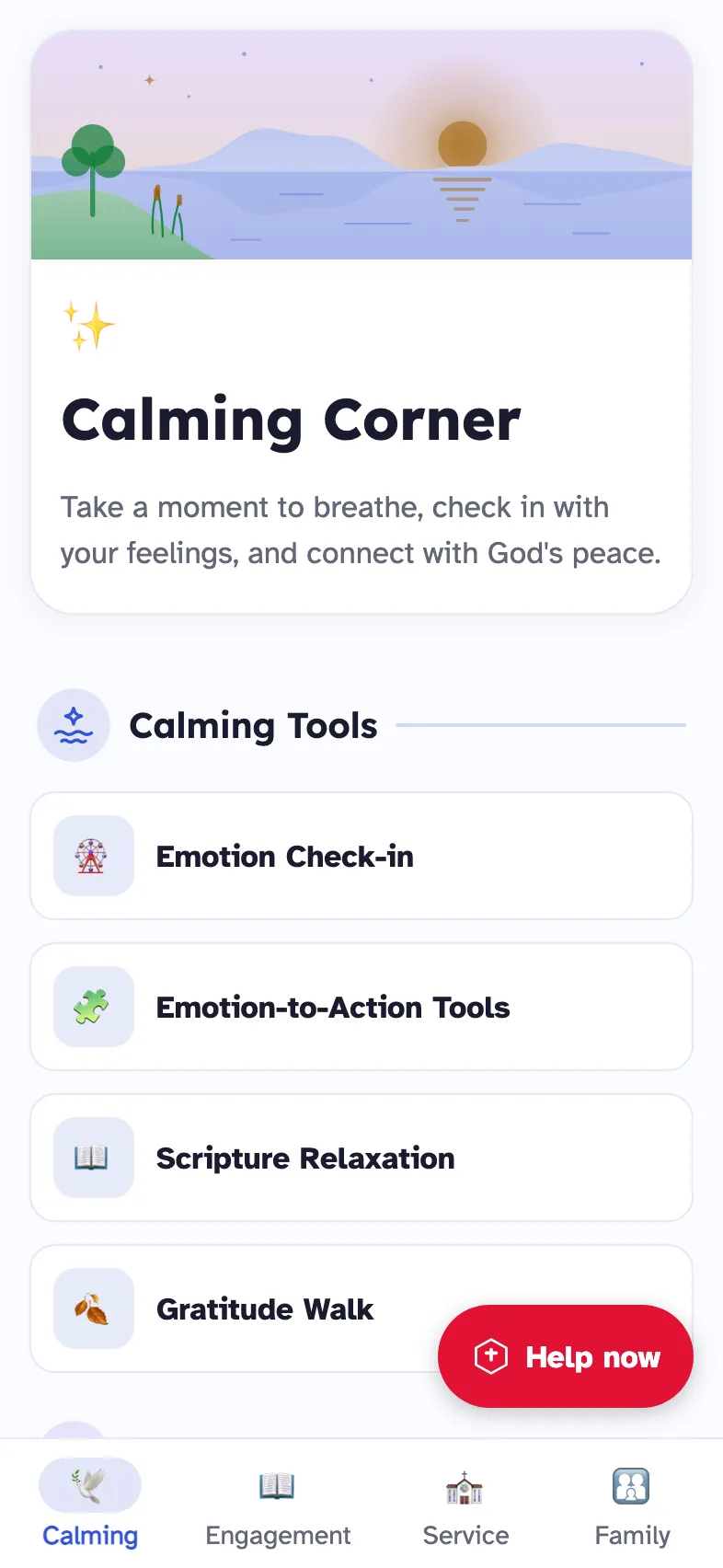
Try Calming Corner at home first.
Do one breathing exercise together on a quiet evening, so the tool is familiar by Sunday.
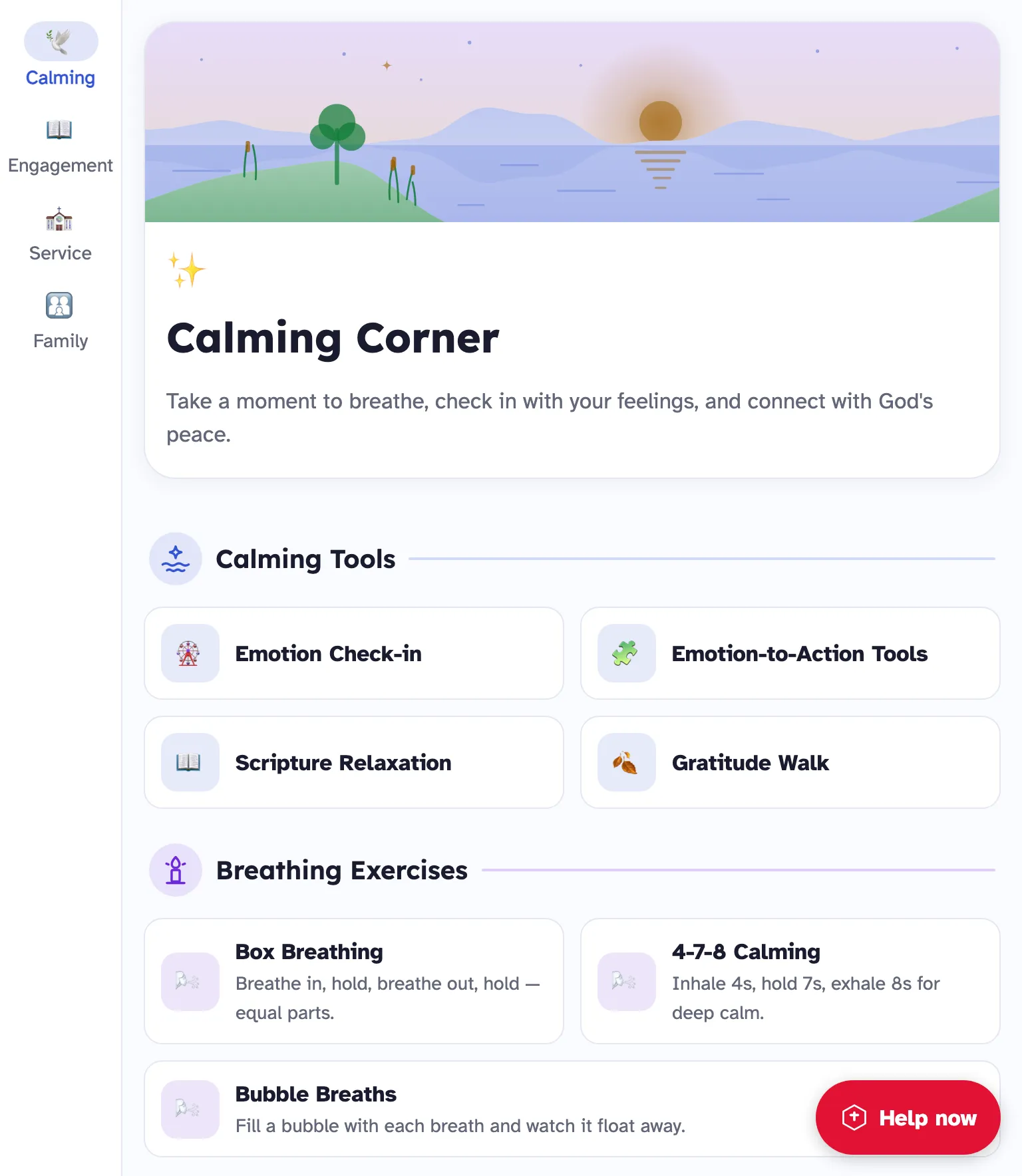
On Android, folded or open
The app fits the screen it is on. Open a foldable and the tabs move to the side and the tools spread into columns. Close it and you have the phone layout back.
The same happens on an iPad, and when a phone is turned sideways.
Before your first Sunday
Add your child's profile
A name, a nickname and the sensory sliders are enough to begin.
Read one story together
Start with “Going to Church for the First Time”.
Show them the red button
Tap Help now once, calmly, so the screen is familiar.
Your information stays on your device. Read the privacy page.